AD MULTIPLIER · ONE AD → MORE POSSIBILITIES · PNG + MOTION WEBM
Kling AI · AI video models

Kling 2.6 Motion Control

Upload one character image and one motion video. The model copies the dance, gesture or performance onto your character and renders it in 720p or 1080p.

Create Now
Sample video · Kling 2.6 Motion Control
OVERVIEW

What Is Kling 2.6 Motion Control?

Kling 2.6 Motion Control is a motion transfer video model from Kling AI. You give it a still image of a character and a short reference video of someone moving. The model reads the body movement, hand gestures, timing and camera rhythm of that video and performs the same action with your character. Faces, outfits and art style come from your image; the movement comes from the video.

On AdMultiplier, it is the quickest way to turn one performance into many ad variations. Film a creator once, then give the same dance, unboxing gesture or product pitch to a mascot, a model in a new outfit or an illustrated brand character. Each result keeps the original pacing, so cuts, beats and captions still line up.

Motion videos can run from 3 to 30 seconds. Choose 720p for fast drafts or 1080p for final delivery, and see the exact credit cost before you generate. You pay by the length of the motion video, so a 10 second clip at 720p costs 22 credits per second for 10 seconds.

FEATURES

Kling 2.6 Motion Control Features

Four things make this motion control model useful for ad teams and creators. Each example below was made from one character image and one motion video.

01

Two Ways to Frame Your Character

Choose whether the result follows the framing of the motion video or keeps the framing of your character image. Video orientation suits full dances and walks, with motion videos up to 30 seconds. Image orientation keeps your original composition and accepts motion videos up to 10 seconds. You pick the mode in the studio before you generate.

  • Video orientation for clips up to 30 s
  • Image orientation for clips up to 10 s
  • Switch modes without new uploads
02

Gestures and Hand Detail That Read on Screen

The model tracks hands as well as the body, so pointing, waving, counting and product gestures land clearly. That matters for ads, where a hand often guides the eye to the offer. Fingers stay readable in close and medium shots. The timing of each gesture matches the reference, beat for beat.

  • Clear hand and finger movement
  • Timing matched to the reference
  • Works in close and medium shots
03

Any Look, Same Performance

Your character image sets the face, hair, outfit and style, from photoreal people to 3D mascots and illustrations. The motion video only supplies the movement. That makes it easy to test several looks against one proven performance. Keep the face visible and the head, shoulders and torso in frame for the cleanest result.

  • Photoreal, 3D and illustrated characters
  • One performance, many looks
  • Best with a clear upper body
04

Ad-Ready Output in 720p or 1080p

Render drafts in 720p at 22 credits per second and finals in 1080p at 36 credits per second. The output length follows your motion video, so the price is easy to predict. Finished videos are saved to your library for download and reuse. You can open any result again to swap the image or motion and run a new version.

  • 720p and 1080p output
  • Cost set by motion video length
  • Re-edit from your library
COMPARE

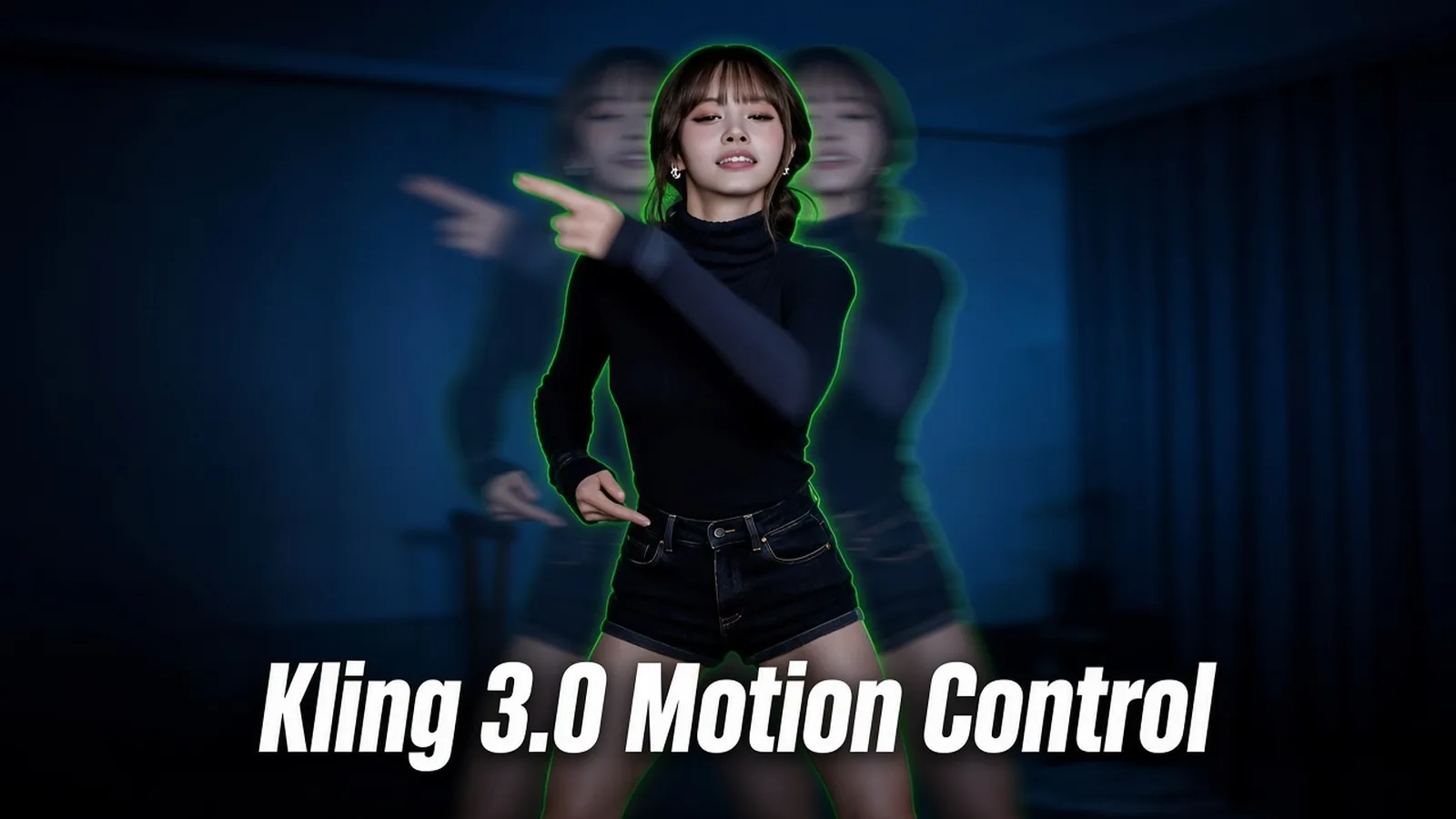
Kling 2.6 Motion Control vs Kling 3.0 Motion Control

Both motion control models run in the same studio with the same two uploads. Here is how they differ, so you can choose per project.

Kling 2.6 Motion ControlThis page
Kling 3.0 Motion Control
Best for
Fast, affordable motion transfer
Close-ups where the face must stay identical
Inputs
1 character image + 1 motion video
Motion video length
3–30 s (up to 10 s in image orientation)
Minimum file size
Over 300 px per side
Over 340 px per side
Facial identity and expression
Good
Steadier face through turns and partial cover
Resolution
720p, 1080p
720p, 1080p
Credits per second, 720p
22
40
Credits per second, 1080p
36
54
HOW IT WORKS

How to Use Kling 2.6 Motion Control

Everything runs in your browser. You need one image, one video and about a minute of setup.

  1. 01

    Add the Character and the Motion

    Upload a character image (JPG or PNG, up to 10 MB) and a motion video (MP4 or MOV, 3 to 30 seconds, up to 100 MB). Both files should be larger than 300 px on each side.

  2. 02

    Choose Orientation and Quality

    Pick video orientation or image orientation, then 720p or 1080p. Add an optional prompt to describe the scene or style. The studio shows the credit cost right away.

  3. 03

    Generate and Download

    Click Generate and the video lands in your library when it is ready. Download the MP4, or reopen it to try another look with the same motion.

FAQ

Kling 2.6 Motion Control FAQ

What do I need to use Kling 2.6 Motion Control?

One character image and one motion video. The image sets how your character looks, and the video sets how it moves. A prompt is optional.

How much does it cost on AdMultiplier?

22 credits per second at 720p and 36 credits per second at 1080p. Seconds are counted from the motion video, and the studio shows the total before you generate.

How long can the motion video be?

3 to 30 seconds in video orientation, and up to 10 seconds in image orientation. The finished video matches the length of the motion you upload.

Does it work with cartoon or 3D characters?

Yes. Photoreal people, 3D mascots and illustrated characters all work, as long as the head, shoulders and torso are clearly visible in the image.

Which image gives the best result?

A sharp, well-lit image where the character faces the camera with the upper body in frame. Avoid heavy blur, cropped heads and crowded backgrounds.

Should I pick version 2.6 or version 3.0?

Pick 2.6 for fast drafts and most social ads, since it costs less per second. Pick Kling 3.0 Motion Control when tight close-ups need the face and expressions to hold perfectly.

Can I use the videos in ads?

Yes, as long as you have the rights to the character image and the motion video you upload. Check each platform's ad rules before you publish.

Kling 2.6 Motion Control

Give your best performance a new star

Upload a character and a motion clip, and the studio will do the rest.

Create Now