AD MULTIPLIER · ONE AD → MORE POSSIBILITIES · PNG + MOTION WEBM
Kling AI · AI video models

Kling 4.0 AI Video Generator

Write a scene, set a first and last frame, or mix images, videos and voices as references. Kling 4.0 renders up to 30 seconds of video with native sound in 720p or 1080p.

Create Now
Sample video · Kling 4.0
OVERVIEW

What Is Kling 4.0?

Kling 4.0 is the flagship video model from Kling AI. It creates realistic motion and synchronised sound together, and a single generation can run anywhere from 3 to 30 seconds. That length gives a scene room to develop: a slow reveal, a short story with several beats or a full product demo, without stitching clips together.

On AdMultiplier, Kling 4.0 works in three modes. Text mode turns a written scene into video. Frame mode starts from your image and can end on a second one. Reference mode accepts up to 10 images, 5 videos and 3 voices, 15 items in all, which you call by name in the prompt as @image_1, @video_1 or @voice_1, so a product, a presenter and a voice all land in the same clip.

Every Kling 4.0 video comes with native stereo sound, including voices that match the lip movements. Choose 720p or 1080p and 16:9, 9:16, 1:1 or 21:9. Without reference videos the rate is 57 credits per second at 720p and 85 at 1080p. With reference videos it is 34 or 51 credits per second, counted on twice the output length or on output plus reference seconds, whichever is longer.

FEATURES

Kling 4.0 Features

Three strengths set Kling 4.0 apart for longer ads, stories and product films. Every example below was generated with Kling 4.0.

01

Up to 30 Seconds of Continuous Story

Kling 4.0 keeps action and atmosphere consistent across a 30 second shot, so a scene can open, build and resolve in one generation. Camera moves such as tracking and orbit shots stay smooth through fast motion. That suits brand films, short dramas and product stories that need more than a quick loop. Prompts can run to 8,000 characters to describe each beat.

  • 3 to 30 seconds per video
  • Smooth tracking and orbit shots
  • Long prompts for multi-beat scenes
02

Expressive Faces with Native Sound

Characters show small, readable emotions, from a slow smile to a sideways glance. Kling 4.0 renders stereo sound with the picture, and dialogue lines up with the lips. Add up to 3 voice references and call them with @voice_1 to set how a character sounds. Sound is always included, so every result is ready to post.

  • Subtle, believable expressions
  • Stereo sound with lip sync
  • Up to 3 voice references
03

Product Ads from Your Own References

Upload product photos, a presenter and a sample clip, and Kling 4.0 keeps them consistent in one video. Each file has a clear role in the prompt, such as @image_1 for the product and @video_1 for the camera move. When a reference video is attached, its original sound can be kept. The result looks like your product, not a lookalike.

  • Up to 10 images and 5 videos
  • Name each file in the prompt
  • Keep products on-brand
COMPARE

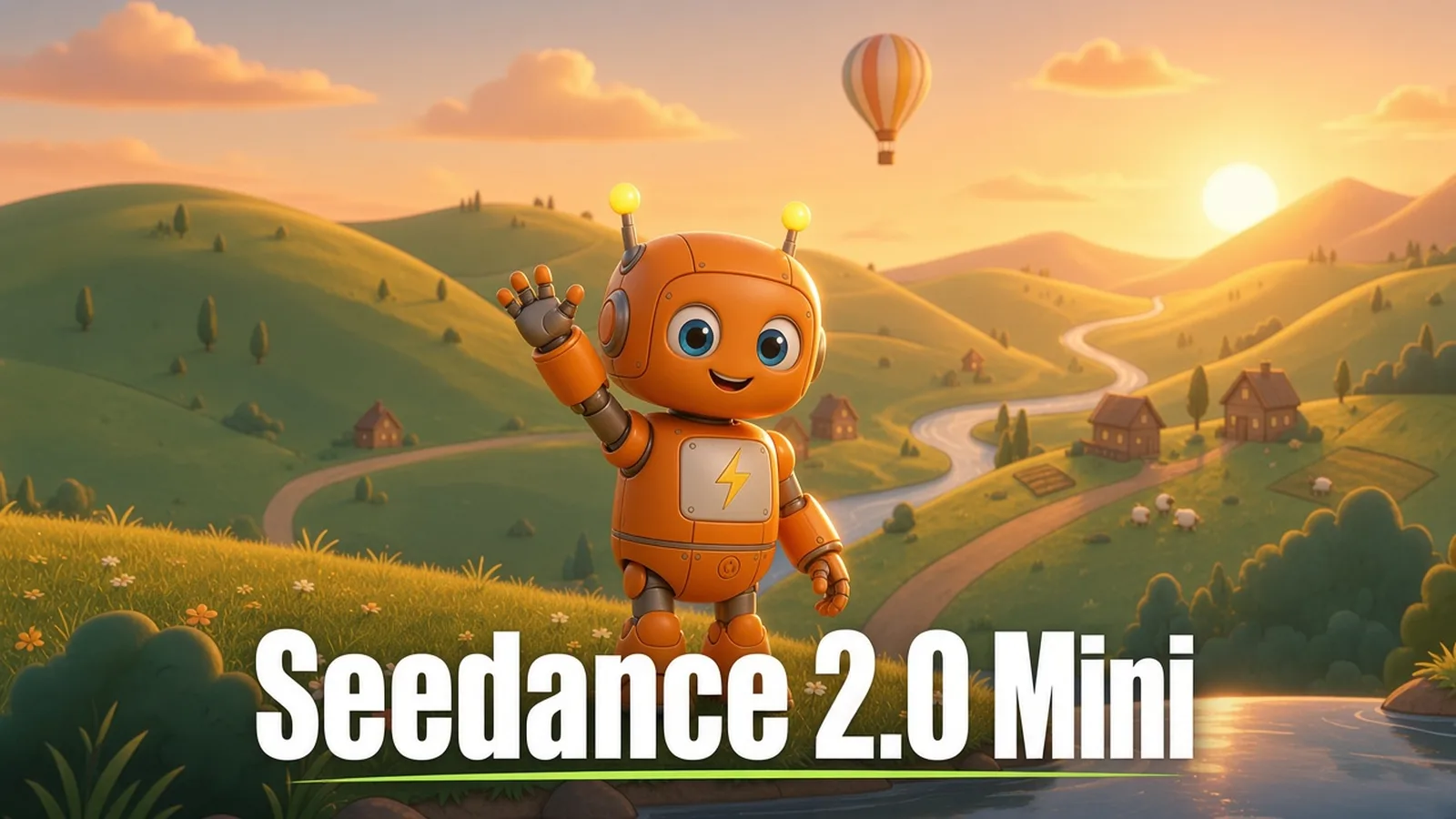
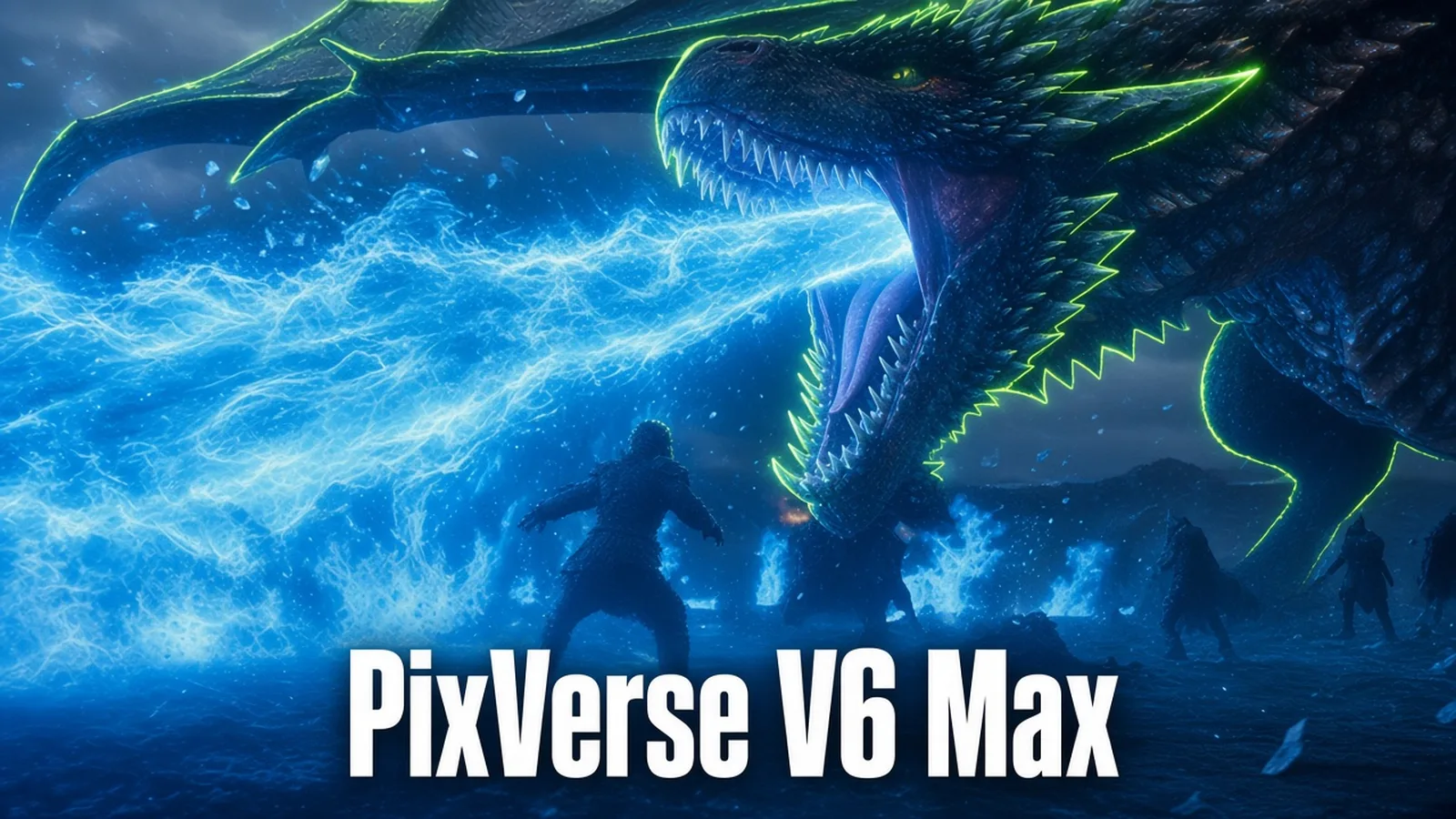
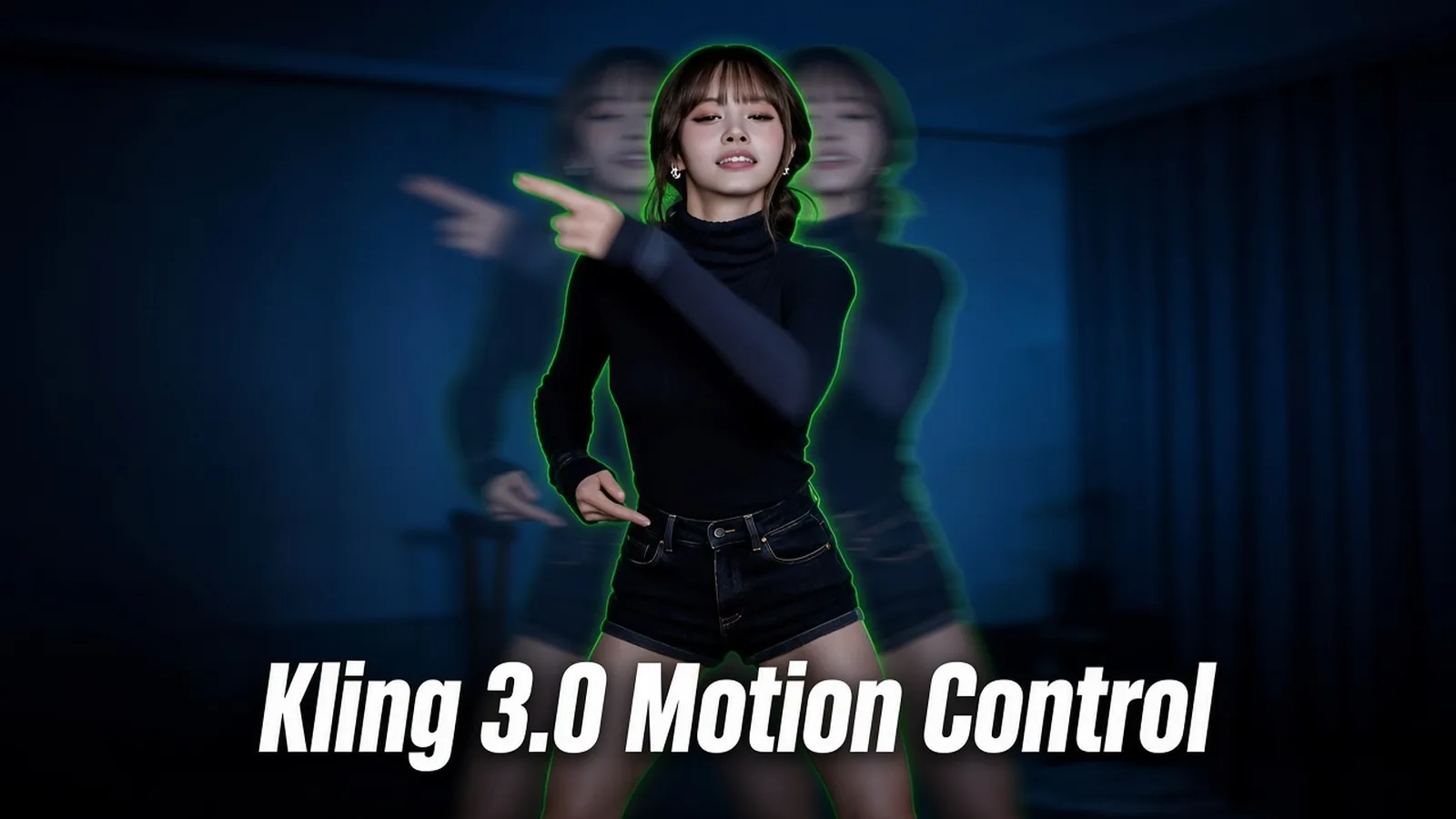
Kling 4.0 vs Seedance 2.0 Mini vs PixVerse V6 Max vs Kling 3.0 Motion Control

Every model in the studio, side by side. Use this matrix to choose by input, length and budget, since all four share one credit balance.

Kling 4.0Seedance 2.0 MiniPixVerse V6 MaxKling 3.0 Motion Control
Text to video✓✓✓—
Start or end frameFirst and last frameFirst and last frameFirst frame—
Image referencesUp to 10Up to 9—1 character image
Video referencesUp to 5 (30 s total)Up to 3 (15 s total)—1 motion video
Voice or audio references3 voices3 audio clips——
Longest video30 s15 s15 s30 s (follows the motion video)
Resolution720p, 1080p480p, 720p360p to 1080p720p, 1080p
Lowest rate57 credits/s; 34 with reference video7.6 credits/s; 4.8 with reference video9.6 credits/s40 credits/s
HOW IT WORKS

How to Use Kling 4.0

Everything runs in your browser, and the cost appears before you generate. Pick a mode, add files and write the prompt.

  1. 01

    Pick a Mode

    Choose text, first and last frame, or references. References accept images (JPG, PNG, WEBP), videos (MP4, MOV, 2 to 30 seconds, 30 seconds in total) and voices (MP3, WAV), up to 15 items.

  2. 02

    Write the Prompt and Set Up

    Describe the scene, action, camera and sound, and name references with @image_1, @video_1 or @voice_1. Choose 3 to 30 seconds, 720p or 1080p, and an aspect ratio. The studio shows the credit total at once.

  3. 03

    Generate and Download

    Click Generate and the video lands in your library with its soundtrack. Download the MP4, or reopen it to change a reference and run another version.

FAQ

Kling 4.0 FAQ

What is Kling 4.0 best for?

Longer ads, brand films, short stories and product demos that need up to 30 seconds, native sound and tight control over products and characters.

How much does it cost?

Without reference videos, 57 credits per second at 720p and 85 at 1080p, counted on the output length. With reference videos, 34 or 51 credits per second, counted on twice the output or on output plus reference seconds, whichever is longer. For example, a 10 second video with a 5 second reference counts as 20 seconds.

Does it generate sound?

Yes, every video includes native stereo sound, with dialogue synced to the lips. Sound cannot be switched off, so mute the clip in your editor if you need a silent version.

How many references can I use?

Up to 15 items in total: 10 images, 5 videos with 30 seconds combined and 3 voices. Name each one in the prompt so the model knows its role. You can also add up to 7 named elements, each with 2–4 photos of one character, product or prop, and call them as @name; they count toward the 15.

Can I control the first and last frame?

Yes. Frame mode starts from your first image and can end on a last image, which is the easiest way to animate an existing key visual. Frames and references are separate modes.

Should I use Kling 4.0 or Seedance 2.0 Mini?

Use Kling 4.0 for videos longer than 15 seconds, 1080p output and richer references. Use the Seedance model for fast, low-cost drafts up to 15 seconds.

Can I use the videos in ads?

Yes, as long as you have the rights to every image, video and voice you upload. Check each platform's ad rules before you publish.

Kling 4.0

Tell the whole story in one generation

Start with a scene, a frame or your own product photos, and Kling 4.0 will turn them into a finished video with sound.

Create Now